
Watch music
come alive.
A vivid, controllable MIDI piano experience: watch notes move, follow parts, and hear the performance through a SoundFont you choose.
♫ Real-time falling notes · Live piano keyboardPlay. Follow.
Explore.
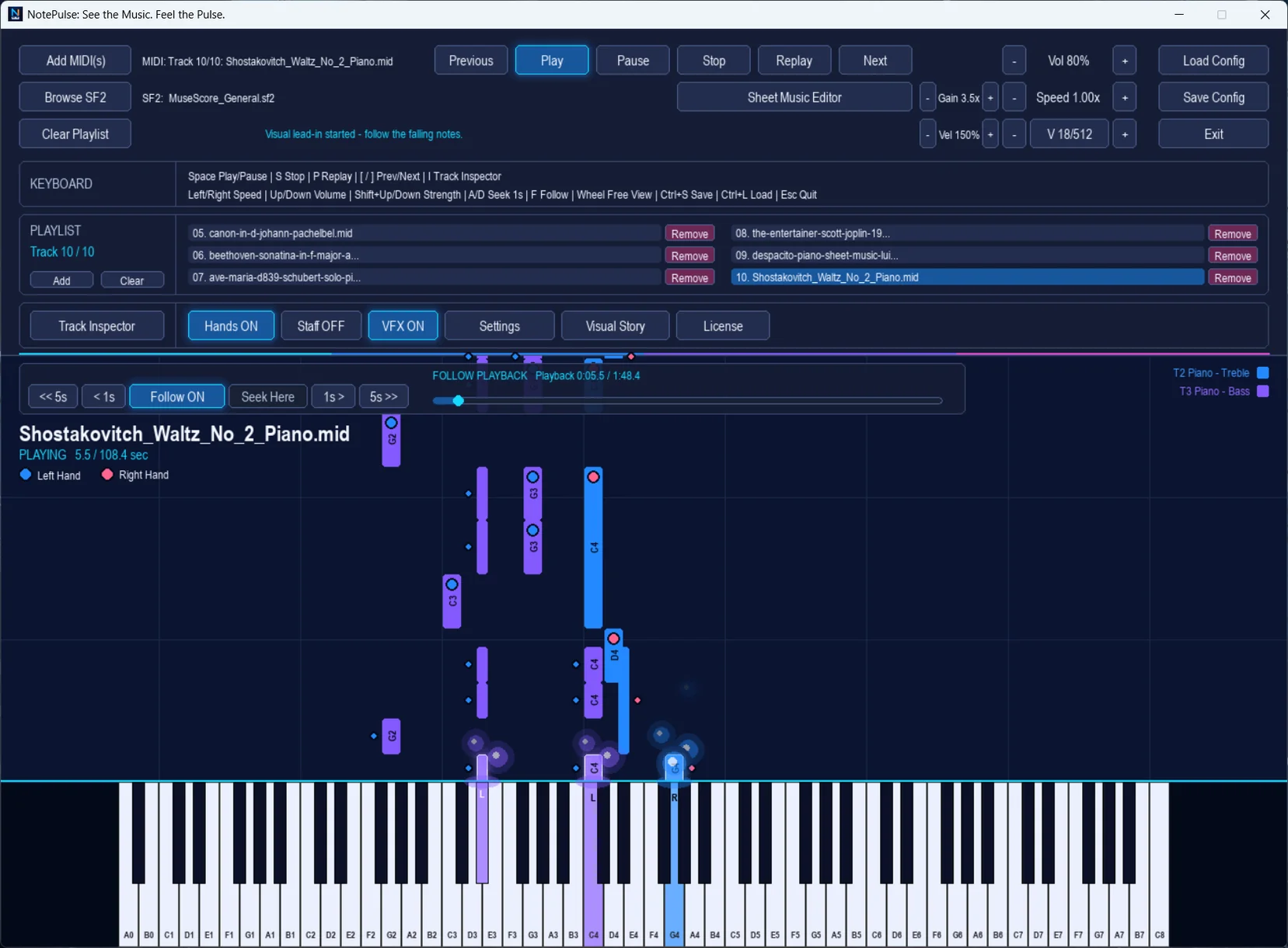
Every MIDI track becomes a performance you can see. Color cues, falling bars, and live keyboard highlights keep musical events readable as they unfold.
- Add multiple MIDI files to a playlist
- Play, pause, stop, replay and navigate tracks
- Follow the playhead or seek freely
- Adjust speed, volume, gain, and velocity strength
- Inspect individual tracks and instrument behavior
Music you can
read and feel.
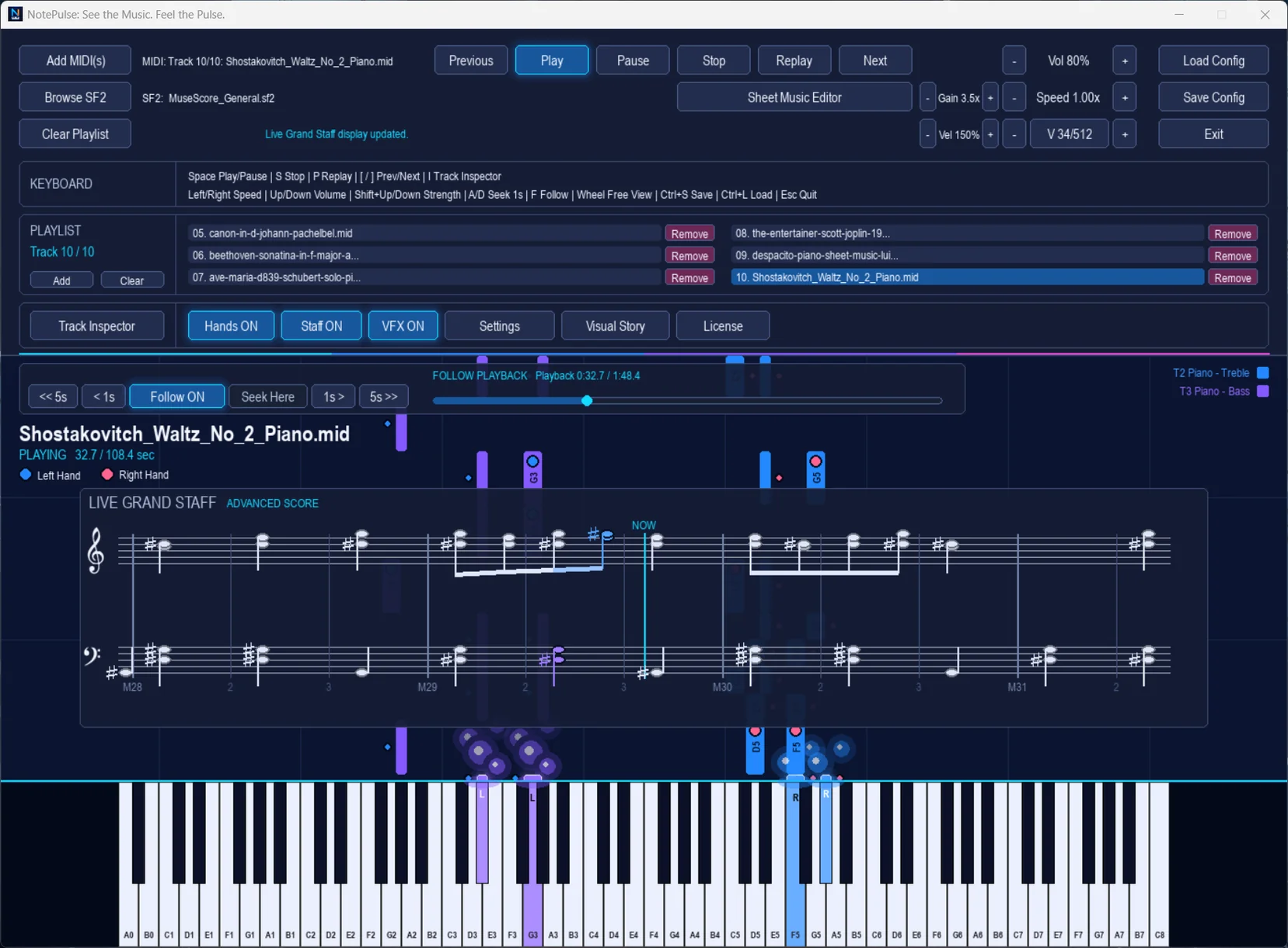
Enable the Live Grand Staff to follow note relationships while the visualizer continues to play. Turn the display into a musical study companion.
- Treble and bass staff display
- Left- and right-hand note cues
- Animated keyboard and visual effects
- Adjustable playback and transport settings
Flexible playback, your way.
SoundFont-powered audio
Load a compatible SF2 SoundFont to hear expressive MIDI instruments. SoundFonts are not bundled in the default lightweight installer; you can select your own.
Session controls
Save and restore application settings, adjust per-MIDI gain and note intensity, and shape the visual playback experience.
Explore NotePulse Advanced.
Move from visual playback to interactive notation and music-inspired visual storytelling.