Organize sheet music projects, inspect recognized scores, and make detailed adjustments to individual notes before creating playable MIDI output.
𝄞 Interactive notation and editing
An editor for musical detail
From static score to hands-on discovery.
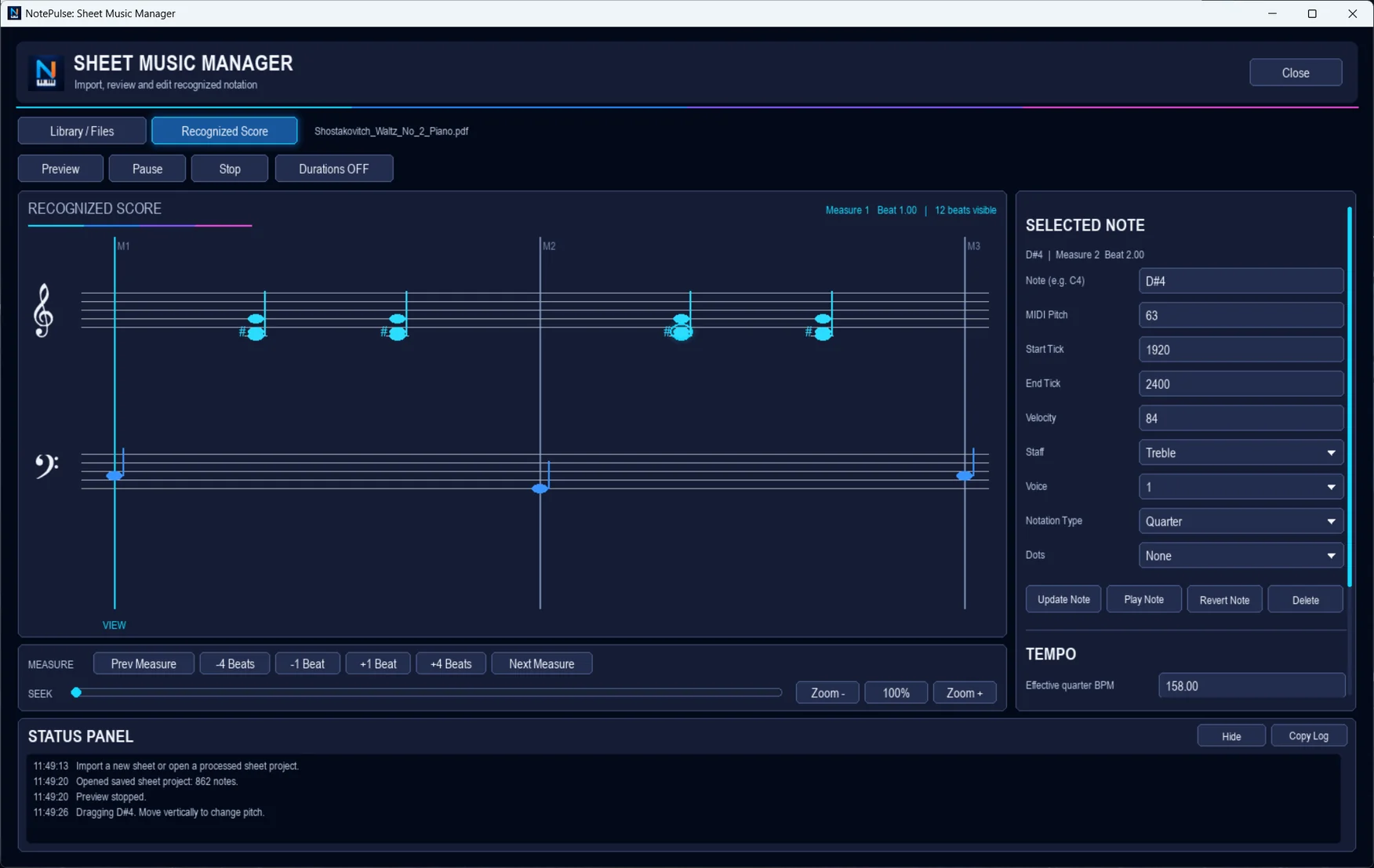
Explore a recognized score in a large, readable view. Select a note and work with pitch, MIDI timing, velocity, staff, voice, and notation type.
Recognized score with treble and bass staff views
Individual note selection and property editing
Playback preview and measure navigation
Tempo and musical timing controls
Generate MIDI from edited notation
Recognized Score and Selected Note · Authentic NotePulse desktop screenshot
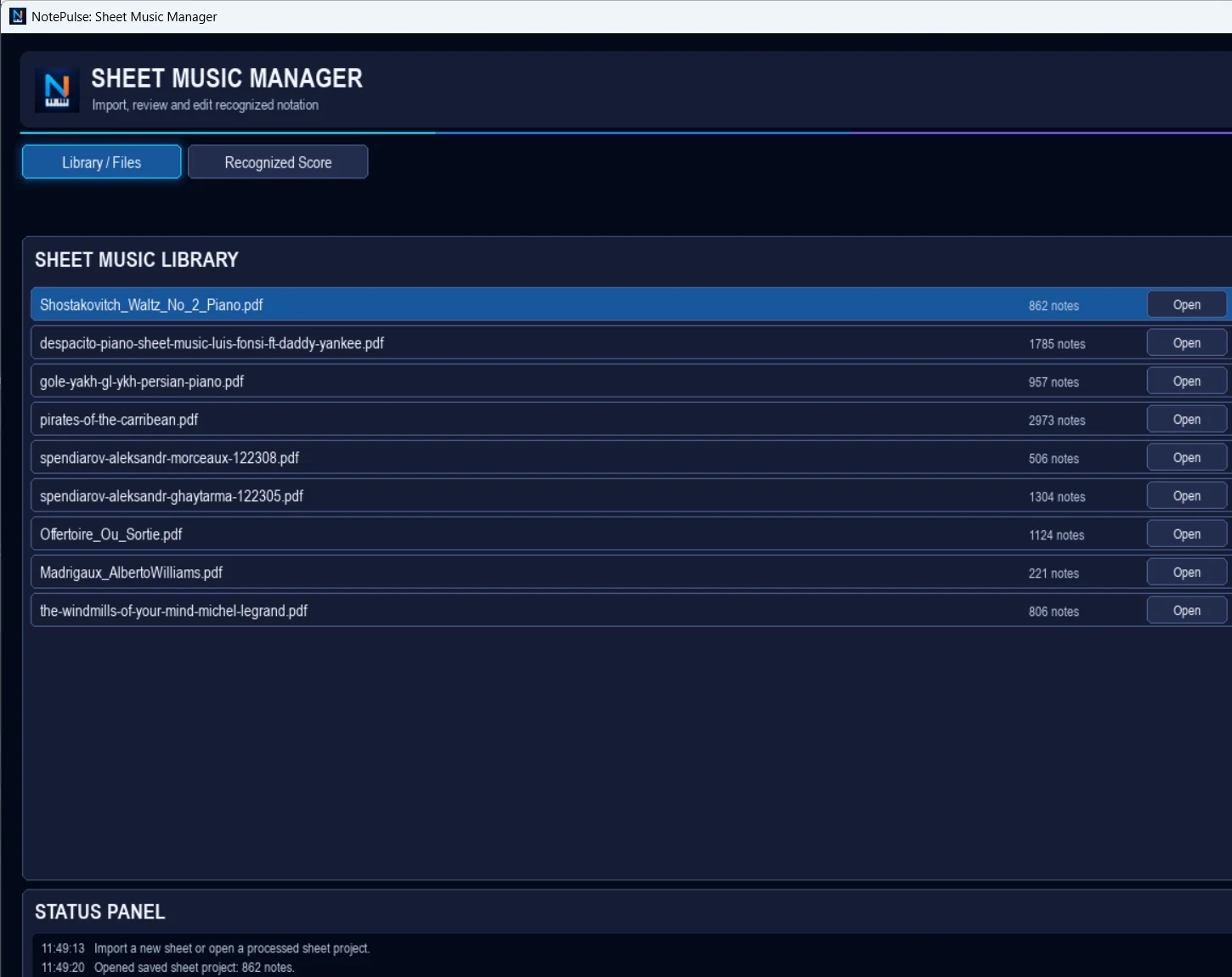
Sheet Music Library · personal paths excluded · Authentic NotePulse desktop screenshot
Keep projects organized
One home for your scores.
Import sheet music and MusicXML projects, return to previously recognized scores, and organize your notation workflow in a dedicated Library / Files workspace.
PDF and image recognition Requires an optional local optical music recognition tool such as Audiveris. Recognition accuracy varies with the original score.
See the real interface
Inside Sheet Music Manager.
Import and reopen music projects · Click to enlargeInteractive note editing · Click to enlarge
Sheet music is part of Advanced.
Unlock this workspace with an active NotePulse Advanced subscription alongside your perpetual Core license.