FALLING NOTES
See the notes approach
Animated notes show timing and pitch as the music plays.
Follow falling MIDI notes, explore the Grand Staff, and play with the music you love. NotePulse brings an interactive piano-visualization experience to your phone or tablet.


Explore real screenshots from both Android and iPhone below. Mobile availability and any in-app purchases are handled by the respective app stores.
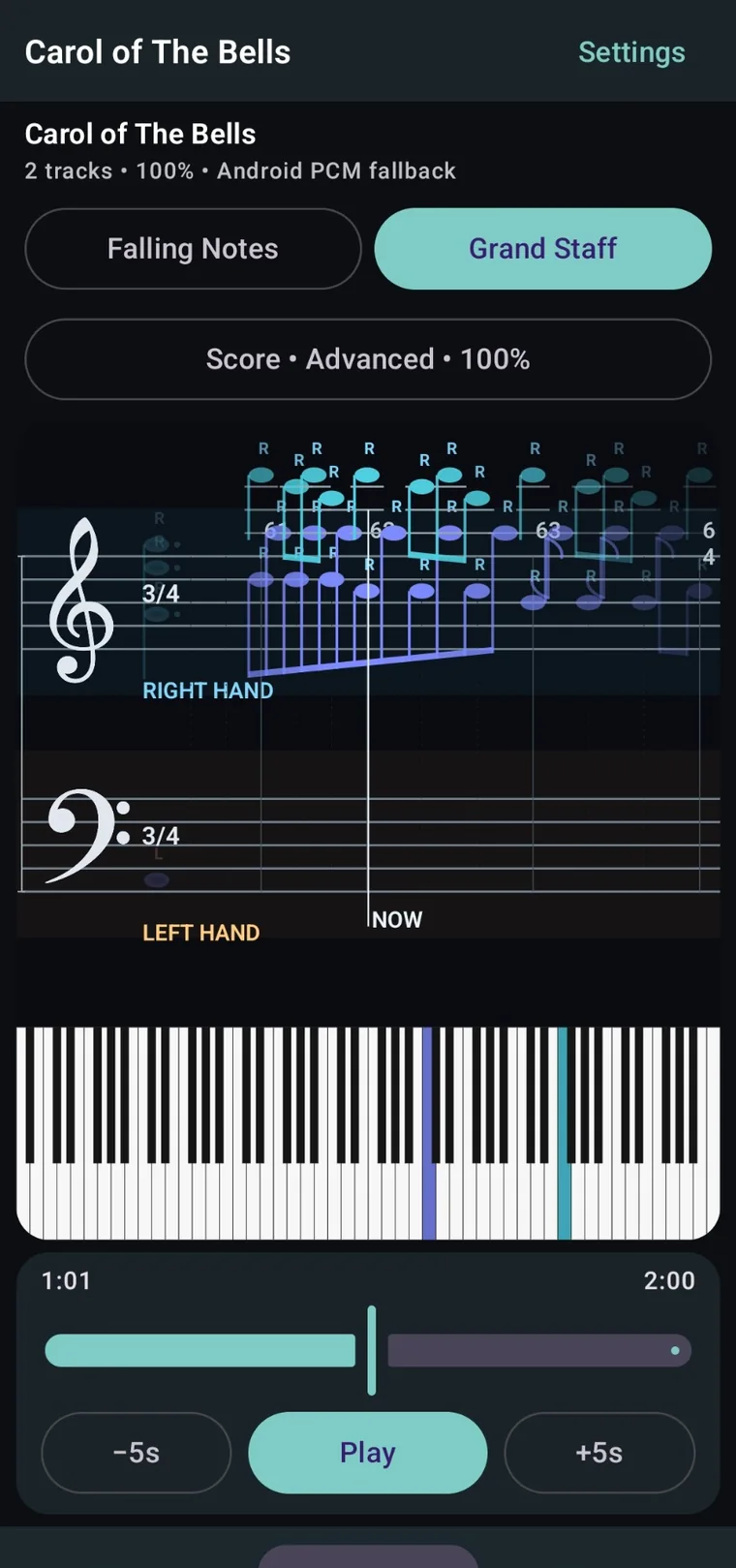
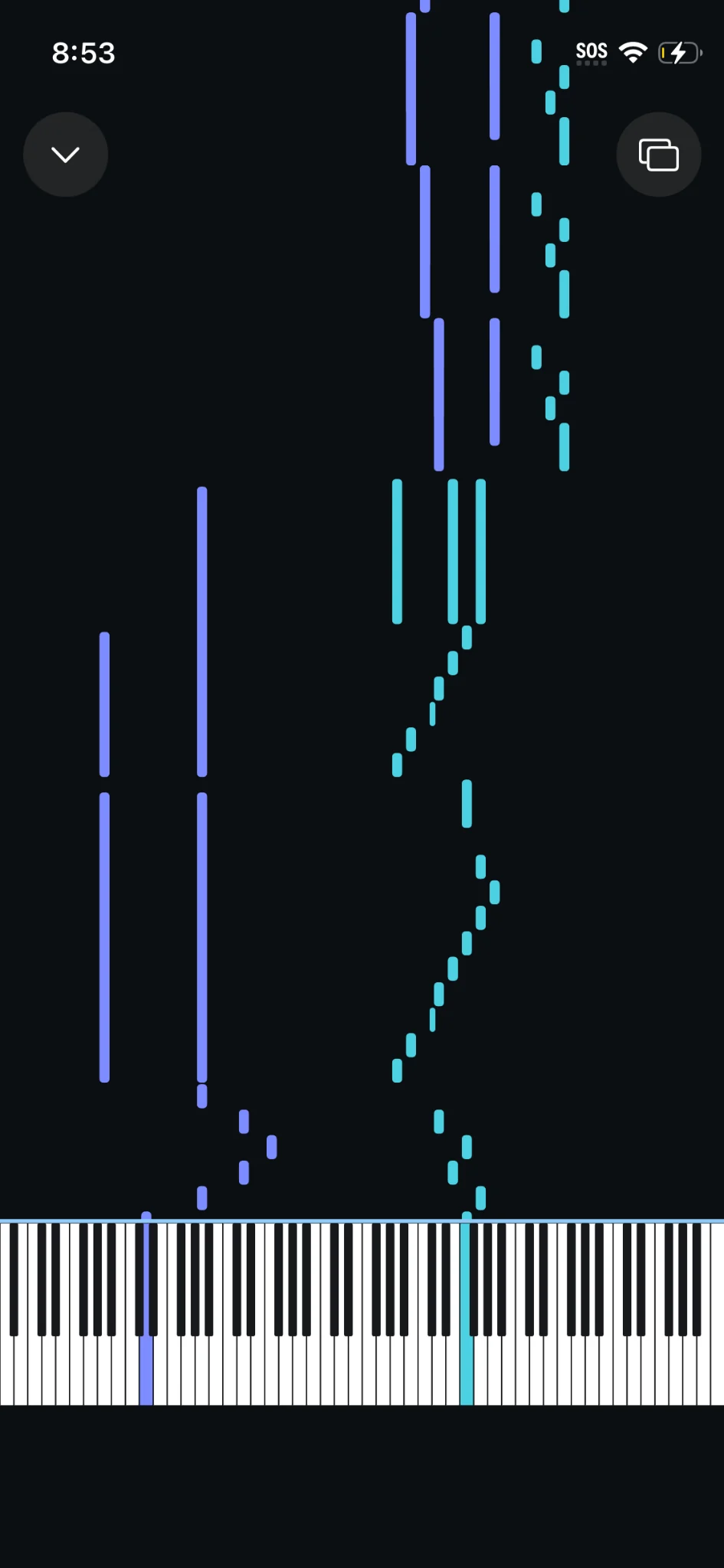
Switch between screenshots captured directly from NotePulse for Android and iPhone.
Viewing screenshots from the Android application.
Move between falling notes and score-based visualization while the virtual keyboard brings the music to life.
Animated notes show timing and pitch as the music plays.
See treble and bass notation progress in time with the virtual piano.
Native iPhone visualization shows note timing and pitch above the piano keyboard.
Switch visualization modes and configure the on-screen piano, preview horizon, and notation.
Start with included MIDI pieces, return to a favorite, or browse more music from the online catalog.
Return to a recent piece or open a new MIDI visualization session.
Start with ready-to-play MIDI pieces and build your own playlist.
Browse the online MIDI catalog and bring tracks into your library.
Browse included MIDI pieces and queue your next practice session.
Browse the online MIDI catalog and download music to your library.
Adjust timing, focus on specific tracks, and explore playback settings from the native mobile interface.
Adjust practice speed and playback behavior to focus on difficult passages.
Inspect tracks and adjust visibility, mute, solo, and volume.
See audio status and available playback dynamics controls.
Native iOS settings organize playback, tracks, visual options, audio, and appearance.
Adjust visibility, mute, solo, volume, pan, transposition, and instrument.
Explore audio output and manage the available NotePulse sound libraries.
Download the mobile app from your device's official app store. For MIDI visualization on Windows or macOS, explore the separate NotePulse Desktop experience.